In our increasingly digital world, encountering computer errors can be an all-too-frequent frustration for users of all levels. Whether you're a seasoned tech enthusiast or a casual user, you’ve likely experienced that sinking feeling when your device suddenly malfunctions or displays an error message that leaves you scratching your head. Understanding these common glitches and knowing how to resolve them is essential for maintaining productivity and peace of mind. Imagine sitting down to finish an important project only to be interrupted by a stubborn blue screen, a software crash, or a sluggish system. These issues not only disrupt your workflow but can also lead to data loss and increased anxiety.
Thankfully, many of these errors are manageable with the right knowledge and tools at your disposal. In this article, we will explore some of the most prevalent computer errors you might encounter and provide practical solutions to help you troubleshoot effectively. From hardware hiccups to software snafus, we aim to empower you with the insights needed to tackle these issues head-on. So, if you're ready to demystify those pesky computer problems and enhance your troubleshooting skills, read on!Understanding computer errors is crucial for any user, as these issues can lead to significant frustration and disruption. Many individuals often find themselves seeking manuals or troubleshooting guides when faced with a problem.
This article aims to provide clear solutions and resources for common computer problems that users encounter, helping them navigate the complexities of technology. One prevalent type of computer error is the software crash. This occurs when an application unexpectedly closes or becomes unresponsive. Possible causes of software crashes include bugs in the software, insufficient system resources, or conflicts with other applications. To troubleshoot a software crash, users should first try closing the unresponsive program via the task manager.
If the issue persists, restarting the computer may help free up system resources. Updating the software or reinstalling it can also resolve persistent issues. Another common error is hardware failure, which can manifest in various ways, such as a computer not powering on, unusual noises from the hardware, or peripherals not functioning correctly. Possible causes for hardware failure include physical damage, overheating, or component wear and tear. To troubleshoot hardware failure, users should begin by checking all connections and ensuring that cables are securely plugged in.
If the computer does not power on, testing the power supply unit or checking for overheating components may be necessary. In some cases, replacing faulty parts may be required.
Connectivity issues
are also frequent among computer users, particularly those relying on internet access or networked devices. These issues can arise from problems with the router, incorrect network settings, or interference from other devices. To troubleshoot connectivity problems, users should start by checking if other devices can connect to the network.Restarting the modem and router can often resolve temporary glitches. Additionally, verifying that the correct network settings are in place and that no firewall is blocking access can be beneficial. Error messages are another common occurrence that can be daunting for many users. These messages often provide specific codes or descriptions that can indicate the nature of the problem. For example, a "Blue Screen of Death" (BSOD) error typically signals serious system issues, such as hardware conflicts or driver failures.
To address error messages, users should take note of any specific codes and search online for relevant troubleshooting steps tailored to those messages. Keeping drivers updated and regularly running system diagnostics can help prevent these errors from occurring in the first place. Having access to user manuals or online resources for specific products cannot be overstated. These resources empower users to troubleshoot problems independently and effectively. Many manufacturers provide comprehensive online documentation that includes troubleshooting steps tailored to their products.
Familiarizing oneself with these resources not only saves time but also builds confidence in handling various computer errors. While some individuals may prefer seeking professional help for their computer errors, understanding common issues and their solutions is beneficial for all users. A basic knowledge of troubleshooting empowers users to tackle minor problems on their own, reducing dependency on external support. This self-sufficiency can lead to increased confidence in using technology and navigating its challenges. In conclusion, being aware of common computer errors such as software crashes, hardware failures, connectivity issues, and error messages equips users with the tools needed to address these problems effectively. By following structured troubleshooting steps and utilizing available resources, users can significantly reduce frustration and enhance their overall computing experience.
The Importance of User Manuals
User manuals play a crucial role in troubleshooting computer errors by providing users with essential information on how to operate their devices effectively and resolve common issues.When faced with a problem, many users may feel overwhelmed or frustrated, but having access to a comprehensive user manual can empower them to tackle these challenges head-on. These manuals often include detailed descriptions of features, step-by-step instructions for resolving errors, and helpful tips that can save time and reduce stress. In today's digital age, finding user manuals online has become easier than ever. Many manufacturers provide downloadable versions of their manuals on their official websites, ensuring that users have access to the most up-to-date information. Additionally, there are various third-party websites dedicated to archiving and sharing user manuals, which can be particularly useful for older devices or discontinued products.
By utilizing these resources, users can quickly locate the information they need to troubleshoot their computer errors effectively. Overall, understanding the importance of user manuals can significantly enhance a user's ability to manage and resolve computer issues, leading to a smoother and more efficient computing experience.
Decoding Error Messages
Understanding error messages is crucial for troubleshooting computer issues effectively.Computer error solutions
often begin with the ability to decode these messages, as they provide valuable insights into what might be wrong with your system. Common error messages, such as "Blue Screen of Death" (BSOD) or application-specific errors, can seem daunting at first glance. However, breaking them down can lead to quick resolutions. For instance, a BSOD typically indicates a serious issue with hardware or drivers.To resolve it, you can start by noting the error code displayed on the screen and searching for it online or in troubleshooting guides. Another common message is the "404 Not Found" error encountered when browsing the internet. This means that the page you're trying to access cannot be found on the server. A simple solution is to check the URL for typos or refresh the page. If the problem persists, it may be an issue with the website itself. Moreover, many applications generate specific error codes that can be researched for tailored solutions.
By entering these codes into a search engine along with the application name, users can often find detailed guides and forums discussing similar issues. Ultimately, knowing how to interpret error messages not only helps in identifying the problem but also empowers users to take steps toward resolution without needing expert assistance. Keep a list of common errors and their meanings handy for quick reference, and don't hesitate to consult reliable troubleshooting guides when necessary.
Identifying Hardware Failures
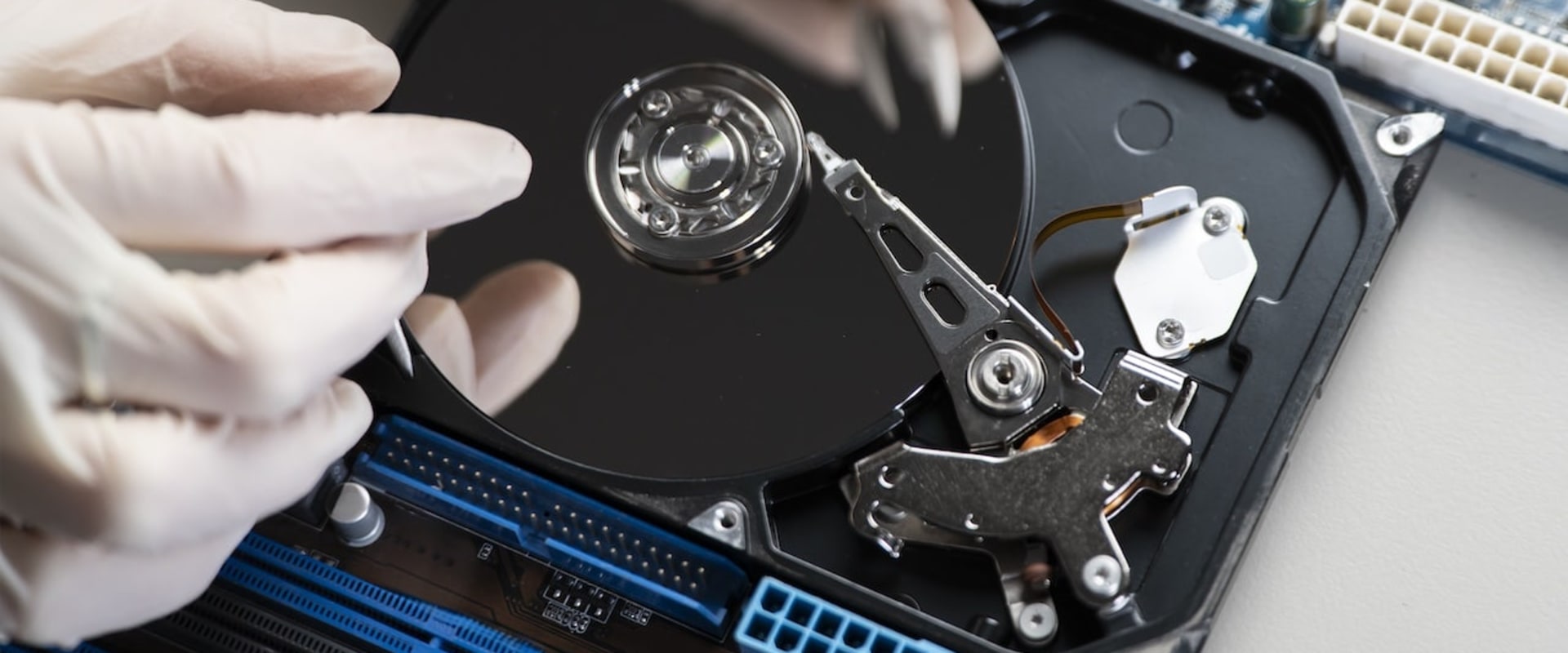
When it comes to computer errors, identifying hardware failures is crucial. Users often overlook hardware issues, assuming the problem lies within the software. However, many common problems stem from physical components of the computer.Understanding these issues can help users troubleshoot effectively and minimize frustration. One prevalent issue is hard drive failures. Signs of a failing hard drive may include unusual noises, frequent crashes, or slow performance. To troubleshoot this, users can run diagnostic tools provided by the hard drive manufacturer or utilize built-in system utilities that check for disk errors. Additionally, ensuring that data is backed up regularly can prevent potential data loss. Another common hardware problem is overheating, which can lead to system instability and even permanent damage.
Users should ensure that their computer's cooling system is functioning properly. This includes checking fans for dust buildup, ensuring proper ventilation, and using monitoring software to keep track of temperature levels. If overheating persists, consider reapplying thermal paste on the CPU or upgrading the cooling solution. Other hardware components, such as RAM and power supplies, can also fail and cause various issues. Testing RAM can be done using memory diagnostic tools, while power supply problems may require checking connections and voltages with a multimeter.
By identifying these hardware failures, users can take informed steps toward resolution and maintain their computer's performance.
Resolving Connectivity Issues
Connectivity issues can be a major source of frustration for computer users, as they disrupt not only personal productivity but also communication and access to information. Understanding the root causes of these problems is essential to finding effective solutions. One common problem is related to internet connectivity. Users may find themselves unable to connect to the internet or experience intermittent disconnections. This can stem from various factors, including incorrect network settings, hardware malfunctions, or issues with the Internet Service Provider (ISP).To start troubleshooting, check the network settings on your computer.Ensure that your device is connected to the correct network and that the Wi-Fi is enabled. If you are using an Ethernet connection, confirm that the cable is securely plugged in at both ends. If network settings appear correct, consider rebooting your router. Unplugging the router for about 10 seconds and then plugging it back in can often resolve temporary glitches. Once the router has restarted, check if the internet connection is restored. In some cases, a factory reset of the router may be necessary.
However, this should only be done if you are familiar with the router's settings and can reconfigure it afterward. Always make sure to have any necessary information available, such as your ISP login credentials. If problems persist, it may be helpful to run the built-in troubleshooter on your computer. Most operating systems offer diagnostic tools that can identify and fix common network problems automatically. In summary, resolving connectivity issues involves checking network settings, rebooting or resetting your router, and utilizing diagnostic tools when necessary. By systematically addressing these areas, users can effectively restore their internet access and minimize frustration.
Understanding Common Software Errors
When using a computer, encountering software errors is a common experience that can lead to significant frustration.Software-related issues can manifest in various ways, such as application crashes, system freezes, or error messages that disrupt your workflow. Understanding these common problems is the first step toward finding effective solutions. One typical issue users face is application crashes. This occurs when a program unexpectedly shuts down, often resulting in lost work and disrupted tasks. The causes of application crashes can range from software bugs and compatibility issues to insufficient memory or corrupted files.
To resolve this issue, try restarting the application or your computer, updating the software to the latest version, or reinstalling the application if necessary. Another frequent problem is system freezes, where the operating system becomes unresponsive. This can happen due to resource overload, conflicts between running applications, or hardware malfunctions. If your system freezes, attempt to close any unresponsive applications using the Task Manager (Windows) or Force Quit (Mac). If the issue persists, consider checking for software updates, running a virus scan, or troubleshooting hardware components. Additionally, users may encounter error messages, which can be vague and confusing.
These messages often provide codes or descriptions that indicate what went wrong. Researching these codes online can lead you to helpful forums and resources where other users have shared their solutions. Always ensure that your system is backed up regularly to prevent data loss when addressing these errors. In conclusion, understanding common software errors and their solutions can significantly enhance your computing experience. By being proactive and informed about these issues, you can minimize downtime and maintain productivity. In conclusion, understanding computer errors and their solutions is crucial for every user.
By recognizing common software errors, identifying hardware failures, resolving connectivity issues, and decoding error messages, users can significantly reduce frustration and downtime. Utilizing available resources, such as user manuals, empowers individuals to tackle many problems independently. Remember, many errors can be fixed with the right information and approach, so don’t hesitate to seek out guides tailored to your specific devices.